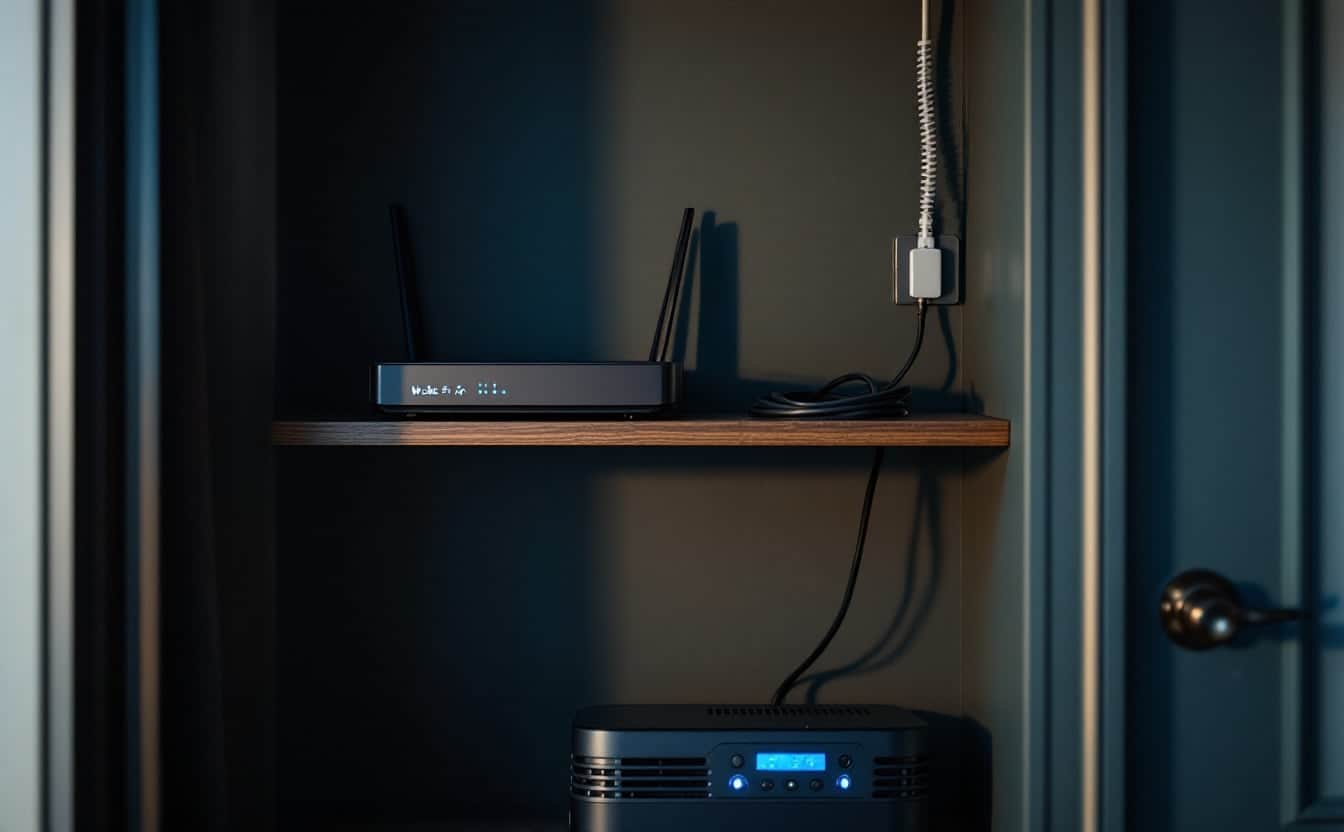
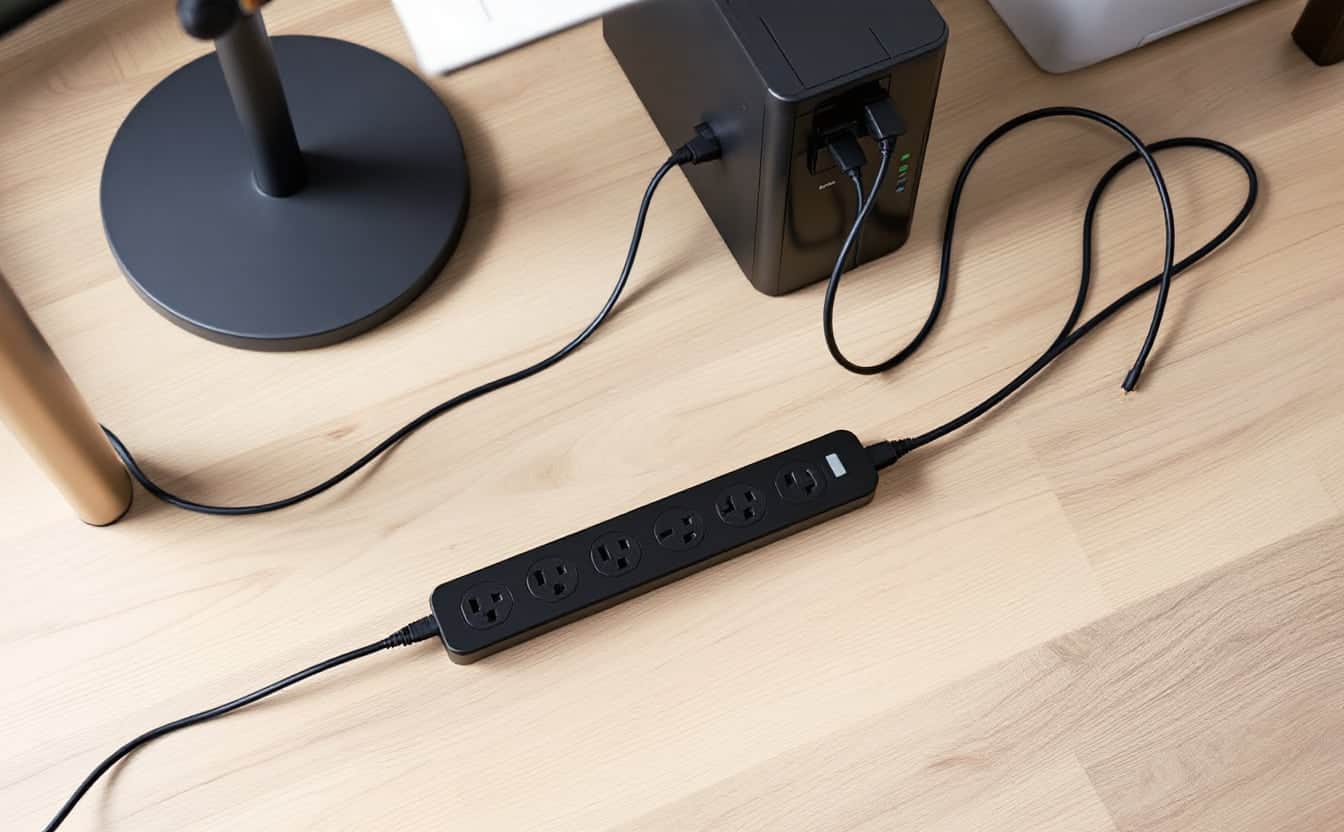
A surge protector clips voltage spikes and does nothing else. A UPS battery backup clips spikes too, and it also carries your devices through sags and outages long enough to save work and shut down. Anything that must not lose power without warning, such as a desktop PC, its monitor, the modem and the router, belongs on a UPS's battery outlets, while printers, lamps, speakers and chargers only need a surge strip.
The confusion starts because a UPS carries both kinds of outlet. This guide covers which problem each device solves, how to read the ratings, and where every plug goes. Most desks end up with one of each, side by side, each plugged straight into the wall.
Four power problems, and what stops each one
| Problem | What happens at the wall | Effect on a desk | Surge strip | UPS |
|---|---|---|---|---|
| Outage | Voltage falls to zero, for a second or for hours | PC dies mid-save, router reboots and drops calls | No help | Battery takes over in milliseconds |
| Sag (brownout) | Voltage dips below normal for seconds or longer | Lights dim, a PC may freeze or restart | No help | Line-interactive models correct it with AVR; standby models switch to battery |
| Spike (surge) | A burst of high voltage lasting microseconds | Damaged power supplies, chargers and ports | Clamps it | Clamps it, on every outlet |
| Swell (overvoltage) | Voltage runs high for seconds or longer | Stress on power supplies | Not built for it | AVR models trim it; others switch to battery |
Spikes come from nearby lightning, utility switching and equipment cycling inside the building itself, and they are the only problem a strip handles. Ready.gov adds that power may return from an outage with momentary surges, so it advises disconnecting electronics while the power is out; a strip's switch makes that one flick instead of six plugs.
What a surge protector is, in UL 1449 terms
In the US, the safety standard is UL 1449, the Standard for Surge Protective Devices. Since its third edition took effect in September 2009, it sorts devices by where they connect. Types 1 and 2 are wired permanently at or after the building's service panel. Type 3 is the point-of-use class: cord-connected strips, direct plug-in units and protective receptacles, installed at least 10 meters (30 feet) of wire from the panel. The strip under your desk is a Type 3 surge protective device, or SPD.
A plain power strip is not an SPD. If the label and the box do not mention a surge protective device and a UL 1449 listing, assume it adds outlets and nothing else.
The UL test produces the number worth reading. UL hits samples with a 6 kV, 3 kA combination wave, measures how much voltage gets through, and assigns the nearest value from a fixed list: 330, 400, 500, 600, 700, 800 and 900 volts, then steps up to 6 kV. That figure is the voltage protection rating, or VPR. Lower is better, because less of the spike reaches your equipment. On a 120 V desk strip, 330 V is the lowest value the list allows and 400 V is a sound second. Older editions tested at 6 kV and 500 A and called the result a suppressed voltage rating, so the VPR on a current label cannot be compared with the SVR printed on a strip made before 2009.
Joules are a different matter. UL 1449 does not assign a joule rating, so the figure on the box is the maker's own estimate of how much surge energy the protective parts can absorb before they wear out. Use it to compare models within one maker's range, not as proof that one brand protects better than another. A high joule figure says nothing about clamping level.
The protective parts, usually metal oxide varistors, wear a little with each surge they absorb. Depending on the design, a worn-out strip either cuts power or keeps passing it with no protection left, which is why the "protected" light deserves a glance now and then.
What to check on a surge strip
| What to check | What to look for | Why it matters |
|---|---|---|
| Listing | UL 1449 surge protective device, Type 3 | A plain power strip has no surge parts |
| VPR | 330 V, or 400 V | Lower means less of the spike reaches the device |
| Joules | Higher within the same maker's range | Endurance, not clamping level, and not a UL rating |
| Protection light | A clear indicator that protection is active | The protective parts wear out without warning |
| Outlets and spacing | One per device, room for adapter blocks | Avoids adding a second strip |
| Cord length | Reaches the wall without an extension cord | Every extra connection is a weak point |
A UPS is a surge protector too, with two kinds of outlet
Every outlet on a consumer UPS passes through its surge suppression, and its spec sheet lists a surge energy rating in joules just as a strip's does. But not every outlet is wired to the battery. Schneider Electric's support FAQ for APC Back-UPS units says so plainly: equipment that must stay on goes in the outlets labeled Battery Backup, and equipment that does not need backup power goes in the surge-only outlets.
The split differs by model. From the makers' published specifications:
| Unit | Battery and surge outlets | Surge-only outlets | Output on battery |
|---|---|---|---|
| APC Back-UPS 600VA (BE600M1) | 5 | 2 | Stepped (simulated) sine |
| APC Back-UPS 850VA (BE850G2) | 6 | 3 | Stepped (simulated) sine |
| CyberPower CP1500PFCLCD | 6 | 6 | Pure sine |
| Tripp Lite TLP606B surge strip | None | 6 | No battery |
The battery outlets share the unit's watt rating. Anything on them that does not need them shortens the runtime of everything that does, or overloads the unit at the moment it switches to battery.
What to plug where
| Device | Where it goes | Why |
|---|---|---|
| Desktop PC | UPS battery outlet | An outage loses unsaved work and can corrupt files |
| Monitor | UPS battery outlet | You need to see the PC shut down |
| Modem, router, network switch | UPS battery outlet | Calls and cloud sync survive the flickers |
| NAS, or an external drive in use | UPS battery outlet | Writes in progress need to finish |
| Laser printer | Surge-only outlet or strip | The fuser's warm-up draw can overload a UPS |
| Inkjet printer, scanner | Surge-only outlet or strip | Nothing lost if it drops |
| Speakers, desk lamp | Strip | Nothing lost if it drops |
| Laptop and phone chargers | Strip | The devices carry their own batteries |
| Space heater | Wall outlet only | Its draw is too high for strips and small UPS units |
A modem and router draw about 22 W together, which our UPS size and runtime calculator puts at about 2 h 49 min on a single 12 V 9 Ah battery; a desktop, monitor and network gear at 197 W get about 11 minutes. Why a UPS cannot stretch to an evening is covered in can a UPS battery backup last 8 or 24 hours.
Laser printers stay off the battery
APC's FAQ puts it in capital letters: it never recommends battery backing up a laser printer. The fuser, the heated roller that bonds toner to paper, pulls a heavy current while it warms up, enough to overload a small unit and trip its breaker. Put it on a surge-only outlet or its own strip.
Never chain a strip and a UPS
A second Schneider Electric FAQ covers the commonest wiring mistake, in both directions. A surge strip, power strip or extension cord on a UPS output can mask part of the load, so the UPS reports less than it carries and may fail to hold everything when it switches to battery; a non-APC strip there could also void Schneider's Equipment Protection Policy. A UPS plugged into a strip may go to battery when it should stay on the mains, and the strip can weaken the ground connection the UPS needs for its own surge protection. Plug the UPS directly into the wall. If you need more battery outlets, buy a larger UPS.
When a plain surge strip is enough
- A laptop desk. The laptop rides through an outage on its own battery. What drops is the Wi-Fi, and that is a job for a small UPS on the router, wherever the router lives, not for a unit under the desk.
- Devices with nothing to lose. Lamps, printers, speakers, chargers and a TV come back on by themselves.
- A spare room or a lobby screen where an occasional reboot costs nobody anything.
A strip is not enough for a desktop PC, a NAS, the network gear, a VoIP phone system or anything mid-write when the lights flicker. In areas with frequent brownouts, a line-interactive UPS earns its place even if outages are rare, because it corrects the sags without draining the battery.
Whole-house protection is a separate layer
The 2020 edition of the National Electrical Code added section 230.67, which requires a Type 1 or Type 2 SPD on services supplying dwelling units, built into the service equipment or right next to it, and applies the rule when service equipment is replaced. Whether it binds your home depends on the edition your state or city has adopted.
A panel device takes the brunt of a surge arriving on the utility line. It does not replace the strip at the desk, and neither replaces a UPS, since neither stores any energy.
Desk power checklist
- Battery outlets: PC, monitor, modem, router, and any drive that writes.
- Surge-only outlets or the strip: printers, lamps, speakers, chargers.
- The UPS and the strip each plugged directly into a wall socket.
- No strip, extension cord or second UPS on a UPS output.
- The strip's label shows a UL 1449 listing and a VPR of 330 or 400 V.
- The USB cable runs from the UPS to the PC, with the shutdown software set up.
- The protection light and the UPS self-test checked twice a year.
Our picks
For devices that only need spike protection, a plain six-outlet strip does the job without frills. For the network shelf, a 600 VA standby unit carries a modem and router with five battery outlets to spare for a switch. For a single desk with a basic PC, the APC Back-UPS 850VA (BE850G2) adds headroom and three surge-only outlets for the printer. For a workstation or any PC with an active PFC power supply, the CyberPower CP1500PFCLCD gives pure sine output and six surge-only outlets, enough that many desks need no separate strip at all. Our UPS battery backup guide compares the wider range.
Sources
- UL 1449, Standard for Surge Protective Devices, and the UL LLC presentation "UL1449 Surge Protective Devices" by Joe DeGregoria (SPD types, VPR, surge tests).
- Hubbell Wiring Device-Kellems, summary of the UL 1449 third edition (effective date, Type 1 to 4 definitions, nominal discharge current, VPR values).
- Schneider Electric FAQ FA158811: battery backup and surge-only outlets, laser printers.
- Schneider Electric FAQ FA158852: surge protectors, power strips and extension cords on a UPS.
- NFPA 70, National Electrical Code, 2020 edition, section 230.67.
- APC, CyberPower and Tripp Lite product specifications for BE600M1, BE850G2, CP1500PFCLCD and TLP606B.
- Ready.gov: Power Outages
Frequently asked questions
Is a UPS also a surge protector?
Yes. Every outlet on a consumer UPS passes through its surge suppression, and the spec sheet gives a surge energy rating in joules. Only the battery outlets keep devices running in an outage. The surge-only outlets drop with the mains, just as a strip does.
Can I plug a surge protector into a UPS?
Schneider Electric recommends against it for APC units, and against the reverse. A strip on the UPS output can hide part of the load from the UPS, and a UPS plugged into a strip may switch to battery when it should not. Plug both straight into the wall, side by side.
How many joules does a surge protector need?
No standard sets a number, and UL 1449 does not rate joules at all. Check for the UL 1449 listing and a VPR of 330 or 400 V first, then use joules to compare models within one maker's range. More joules means more endurance, not a lower clamping voltage.
Do I need a surge protector if I have a UPS?
Only for what does not fit on the UPS. The UPS already protects everything plugged into it, on both kinds of outlet. A strip beside it takes the printer, lamp and chargers when the surge-only outlets run out, and keeps them off the battery side.